
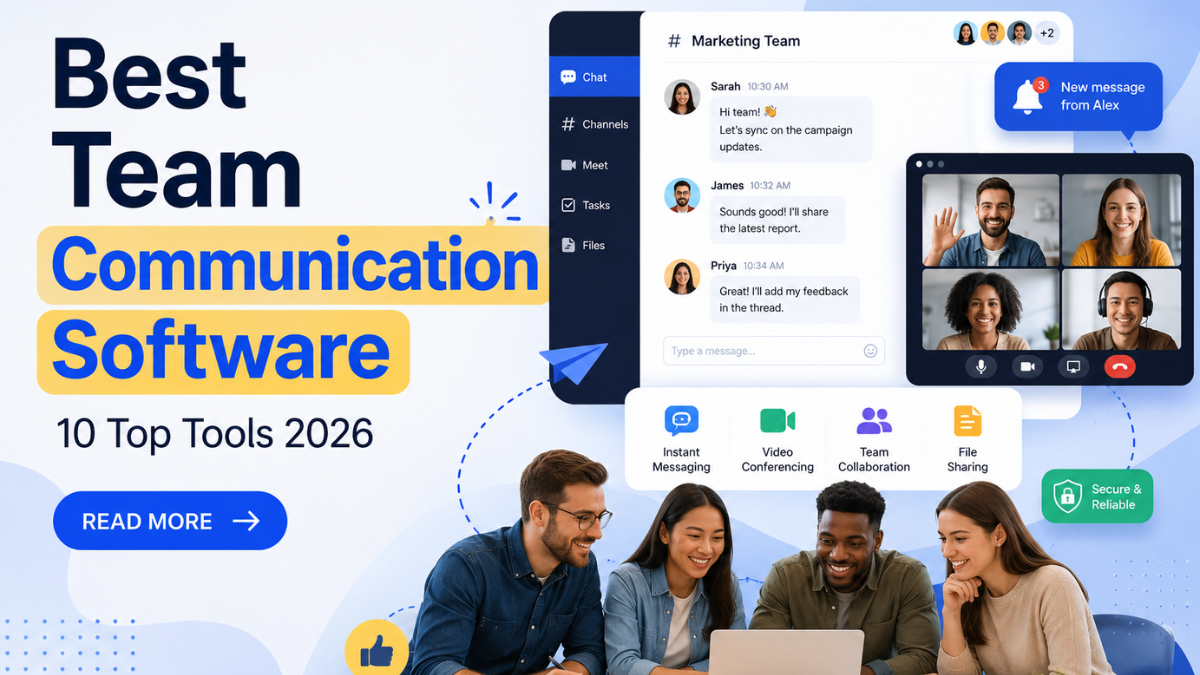
Effective communication is the foundation of every successful team, whether employees work in the same office or across different locations. As businesses embrace hybrid and remote work models, choosing the best team communication software has become essential for improving collaboration, productivity, and workflow efficiency. Modern communication platforms offer much more than instant messaging—they include video conferencing, file sharing, task management, and seamless integrations with business applications. These tools help reduce email overload, keep conversations organized, and ensure everyone stays aligned on projects and goals. However, with countless options available, selecting the right solution can be challenging. In this guide, we’ll explore the best team communication software, highlighting their key features, benefits, and ideal use cases. By the end, you’ll have the insights needed to choose a platform that keeps your team connected, engaged, and productive.
What to Look for in Team Communication Software
Not every business communication platform needs the same feature set. A 6-person agency and a 400-person logistics company are solving different problems, even though both are shopping in the same category. Choosing the best team communication software tool means matching the platform to your team size, workflow, and communication needs.
Before you compare tools, check each option against these criteria:
- Channels and threads – Can you organize conversations by project, department, or client so messages don’t pile up in one endless feed?
- Search that actually works – You should be able to find a message, file, or decision from three months ago in under 10 seconds.
- Video and voice built in – Fewer app switches mean fewer dropped conversations. Look for native video conferencing software rather than a separate plug-in.
- File sharing and integrations – The tool should connect smoothly with your Project Management Apps, CRM, and cloud storage without creating extra work.
- Mobile access – Frontline and field staff need a workplace messaging app that works as well on a phone as it does on a laptop.
- Admin and security controls – Role-based permissions, single sign-on, and data retention settings matter the moment you pass 20 employees.
- Pricing that scales – Per-user pricing looks fine at 10 seats and painful at 200. Model your actual headcount before you commit.
Keep this checklist next to you as you go through the list below — it’s the same framework used to evaluate each tool.
10 Best Team Communication Software Tools for 2026
Here’s the full rundown of the best team communication software available today, based on current pricing, published features, and how each platform is actually used by teams in the field.
1. Slack – Best Overall Team Communication Software
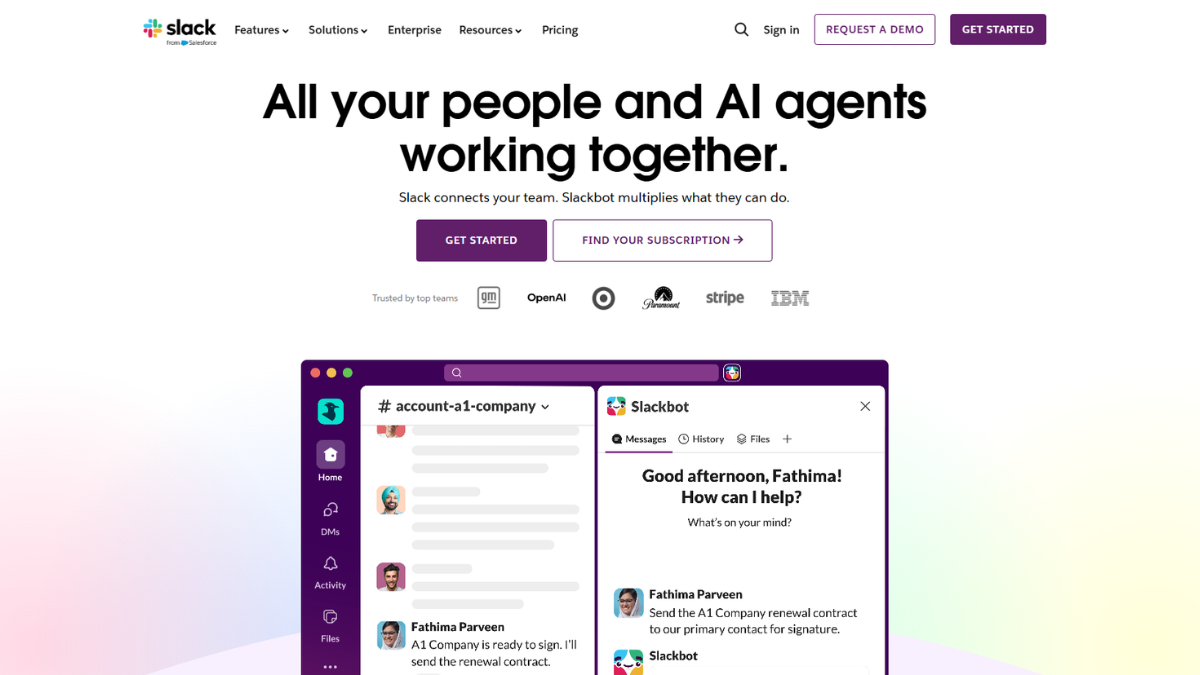
Slack set the standard for modern team chat, and it’s still the most widely adopted business communication platform for software, marketing, and operations teams. Channels, threads, and huddles keep conversations organized, and the app connects to thousands of third-party tools, making it a strong contender for the best team communication software tool.
Key features:
- Public and private channels with searchable history
- Huddles for quick audio or video check-ins
- Slack Connect for chatting directly with clients and vendors
- Deep integrations with Google Drive, Asana, Zoom, and more
Pricing: Free plan available with a 90-day message history limit. Pro runs about $7.25 per user/month billed annually. Business+ runs about $15 per user/month annually, and Enterprise+ is custom-quoted.
Best for: Teams that live inside fast-moving projects and need strong third-party integrations, especially when communication needs to stay connected to Project Tracking Software and other productivity tools.
Watch out for: Channel sprawl. Without naming rules, a growing team can end up with dozens of overlapping channels within a few months.
2. Microsoft Teams – Best for Microsoft 365 Users
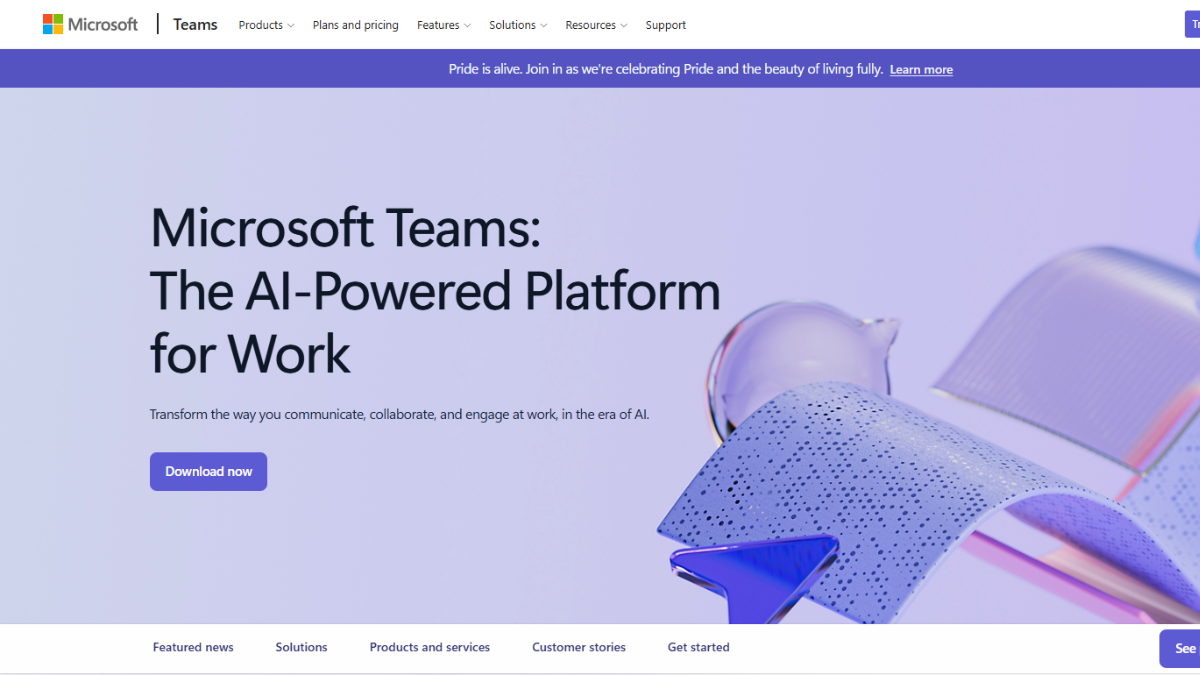
If your company already runs on Word, Excel, and Outlook, Microsoft Teams is the more logical business communication platform than paying for a second, unrelated tool. It bundles chat, video meetings, and file collaboration directly into the Microsoft 365 ecosystem.
Key features:
- Chat, channels, and threaded conversations tied to Microsoft 365 files
- Video meetings supporting large groups with recording and transcription
- Direct co-editing of Word, Excel, and PowerPoint files inside a chat
- Teams Phone add-on for a full business calling system
Pricing: A free plan is available. Teams Essentials starts around $4 per user/month. Microsoft 365 Business plans that include Teams range from roughly $7 to $22+ per user/month, and Microsoft raised several 365 bundle prices in mid-2026, so it’s worth checking the current rate before budgeting.
Best for: Businesses already invested in Microsoft 365 that want one bill instead of two and may also benefit from Microsoft Project Management Software for organizing more complex work
Watch out for: The interface can feel heavier than a dedicated team chat app, especially for smaller teams that don’t need the full Office suite.
3. Google Chat – Best for Google Workspace Teams
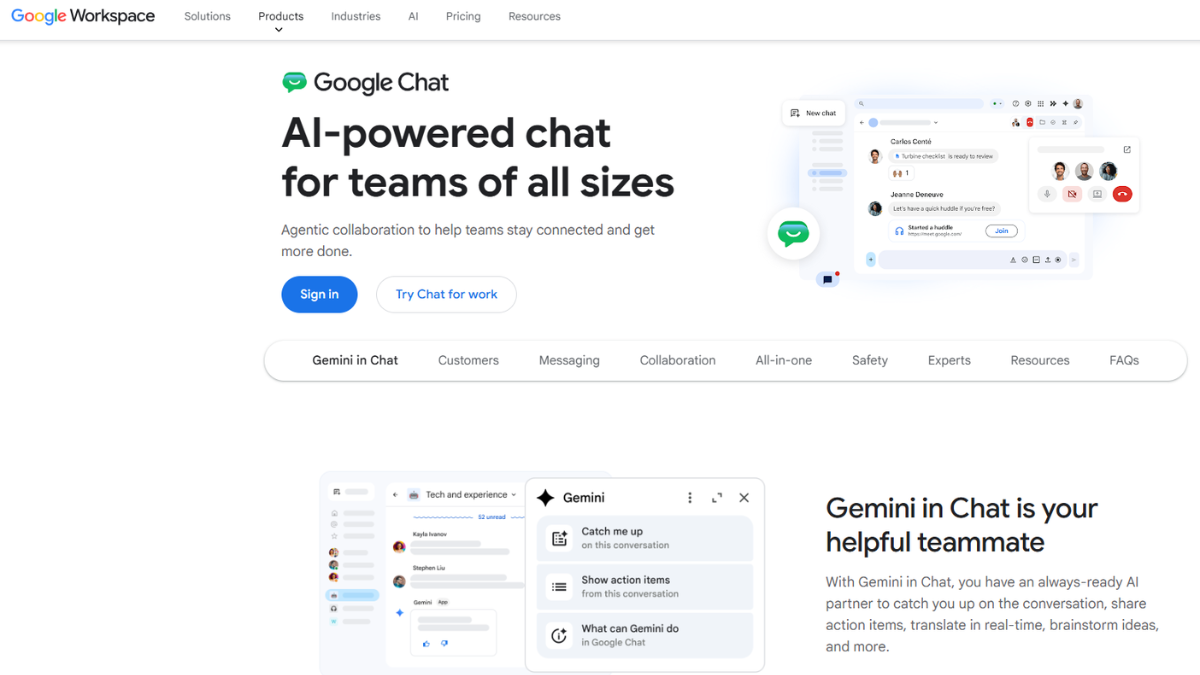
Google Chat is the messaging layer built into Google Workspace, and it’s the natural fit for any team already running on Gmail, Docs, and Meet. It’s less flashy than Slack, but it does the core job without adding a new login, making it a practical best team communication software tool for Google Workspace users.
Key features:
- Spaces (Google’s version of channels) tied to Docs, Sheets, and Drive
- Built-in Google Meet video conferencing software
- Gemini AI assistance across Chat, Gmail, and Docs on paid plans
- Simple, low-friction interface for non-technical staff
Pricing: No permanent free tier for businesses, but a 14-day trial is available. Business Starter runs about $7 per user/month, Business Standard about $14, and Business Plus about $22 (annual billing).
Best for: Teams already paying for Google Workspace that want communication and documents in one place. Businesses with more complex workflows can also explore Google Project Management Tools alongside Google Chat.
Watch out for: Fewer third-party integrations than Slack, so heavy automation setups may need extra tools.
4. Zoom Workplace – Best for Video-First Communication
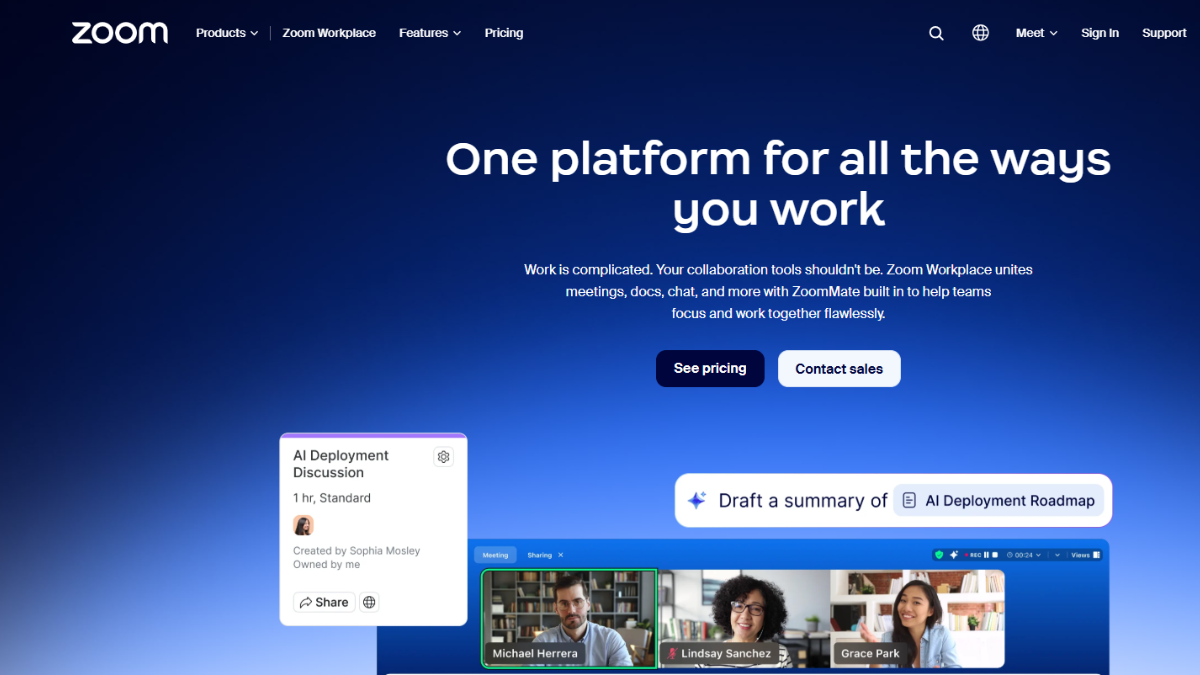
Zoom built its name on video conferencing software, and Zoom Workplace now wraps that strength into a fuller team communication software suite with Team Chat, mail, and calendar built in.
Key features:
- Team Chat with channels, threads, and file sharing
- Industry-leading video meeting quality and reliability
- AI Companion for meeting summaries and follow-up notes
- Optional Zoom Phone add-on for business calling
Pricing: A free Basic plan covers 40-minute meetings. Pro runs about $14 per user/month and Business about $18 per user/month, both billed annually. Enterprise pricing is custom.
Best for: Teams that run frequent client calls, webinars, or training sessions and want chat and video from the same vendor.
Watch out for: The chat and messaging features are still less mature than dedicated team chat app competitors, even though the video side is excellent.
5. Zoho Cliq – Best Budget Team Communication Software
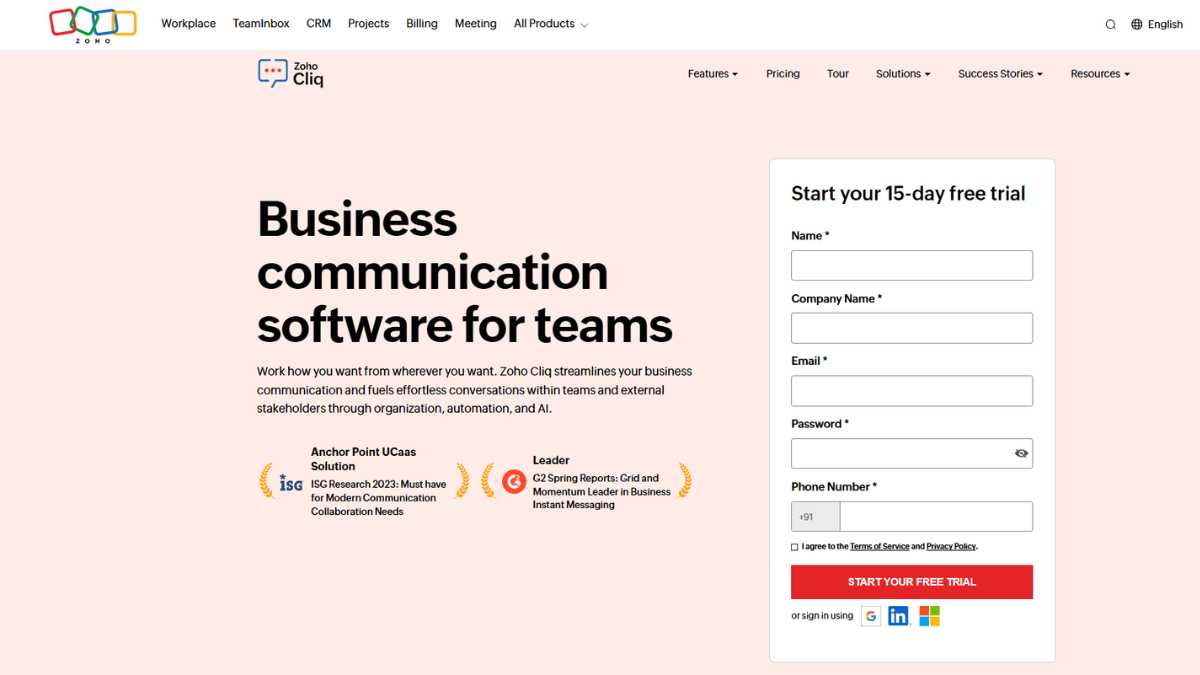
Zoho Cliq is one of the most affordable team communication software options on this list, especially for businesses already using other Zoho apps like Zoho CRM or Zoho Desk.
Key features:
- Channels, threads, and direct messaging
- Built-in audio and video calls with screen sharing
- Task creation directly from a chat message
- Cliq Networks for talking to external partners
Pricing: A free plan covers basic messaging and small teams. The paid Unlimited plan is priced in the $1 to $3 per user/month range, making it one of the cheapest paid tiers in this category.
Best for: Cost-conscious small businesses, especially those already inside the Zoho ecosystem.
Watch out for: The interface feels less polished than Slack or Teams, and video meeting features are lighter than dedicated platforms like Zoom.
6. RingCentral – Best for Unified Phone, Chat, and Video
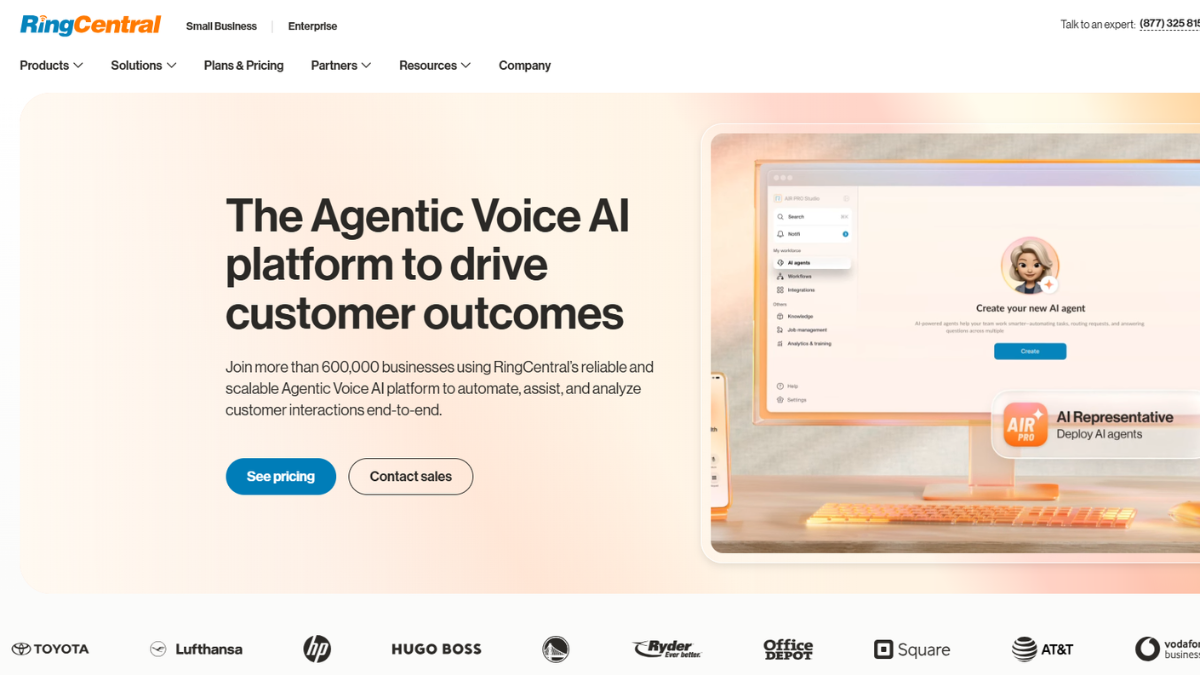
RingCentral is built around business phone service first, with team messaging and video meetings layered on top. It’s the strongest choice on this list for any company looking for the best team communication software tool that still relies heavily on phone calls.
Key features:
- Cloud business phone system with call queues and auto-attendants
- Team messaging and file sharing alongside voice
- HD video meetings with whiteboarding and breakout rooms
- Detailed call analytics for customer-facing teams
Pricing: Plans run roughly $20 to $35 per user/month on annual billing across the Core, Advanced, and Ultra tiers, with monthly billing costing more.
Best for: Sales, support, and recruiting teams that need a real phone system, not just chat.
Watch out for: Entry-level plans cap SMS usage, so teams that text clients often may hit overage charges quickly.
7. Chanty – Best Simple Team Chat App for Small Teams
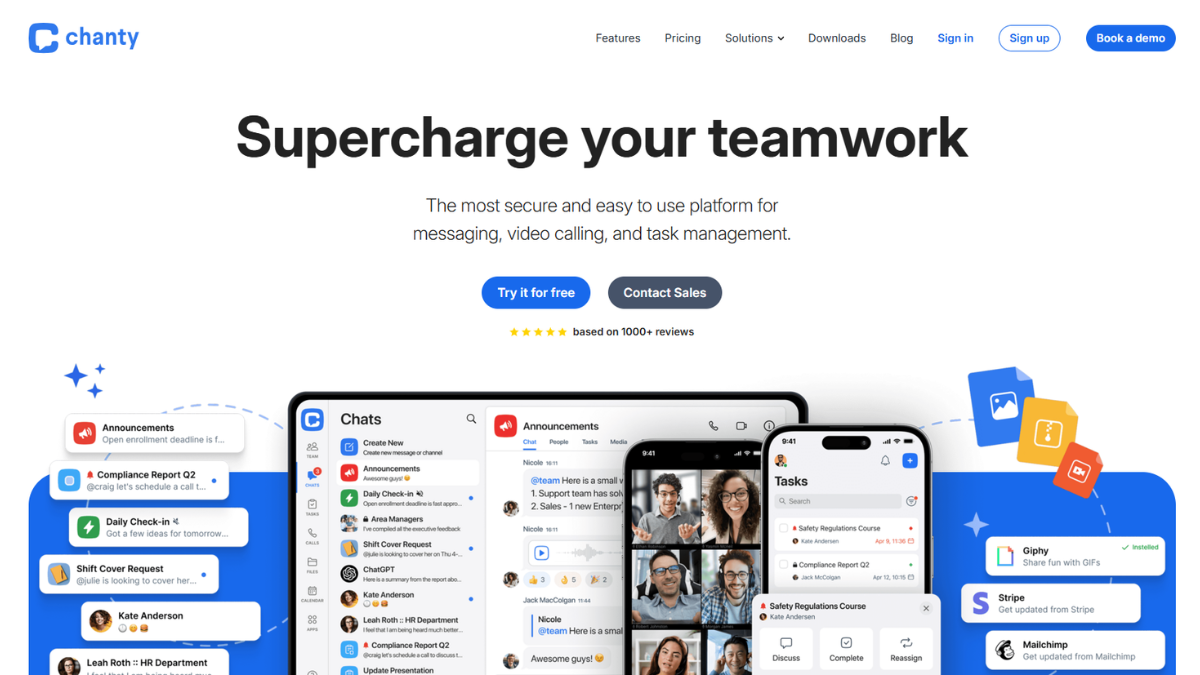
Chanty focuses on doing one thing well: fast, simple team chat without a steep learning curve. It’s built for small and mid-sized teams that find Slack more complex than they need.
Key features:
- Unlimited message history, even on the free plan
- Built-in task manager that turns messages into to-dos
- Voice and video calls with screen sharing
- Clean, WhatsApp-style interface
Pricing: Free for up to around 10 members. The Business plan runs about $3 per user/month, one of the lowest rates among mainstream team communication software options.
Best for: Small teams that want core team chat app functionality without paying for features they’ll never use.
Watch out for: Fewer integrations and advanced admin controls compared to larger platforms.
8. Troop Messenger – Best Affordable All-in-One Alternative
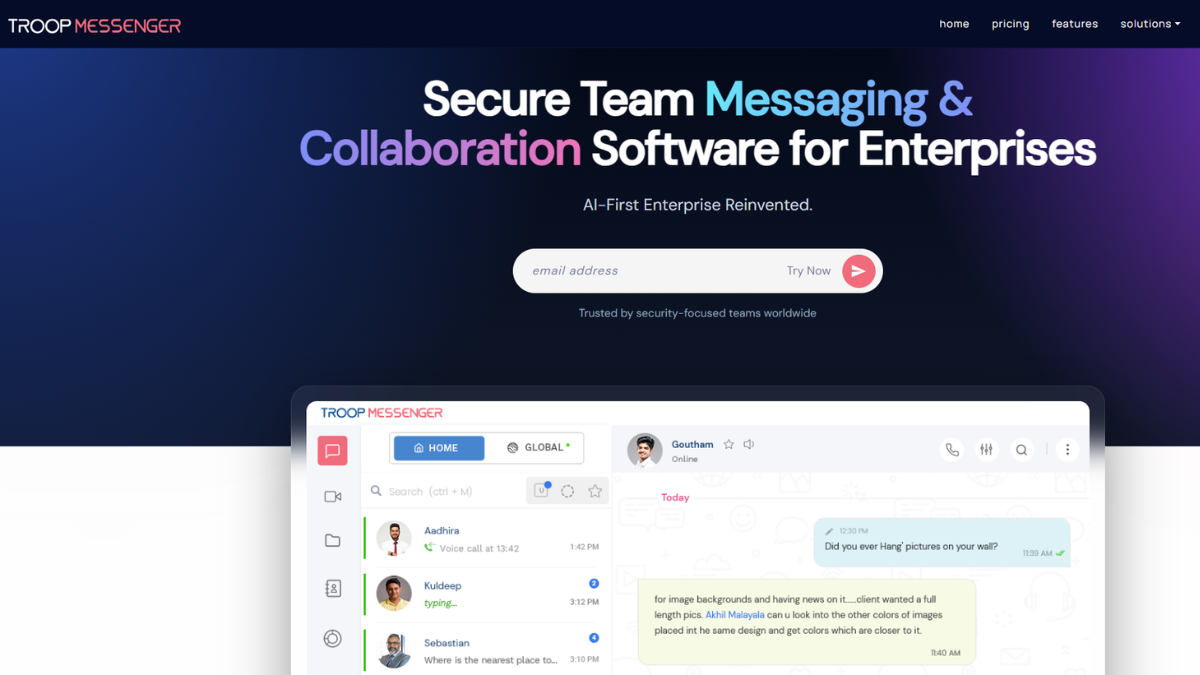
Troop Messenger packs a wide feature set into a low-cost package, including some unusual tools like message recall and “burnout” for sending self-destructing messages.
Key features:
- One-on-one and group audio/video calls
- Screen sharing and remote screen control
- Message recall, forwarding, and read-later options
- On-premise deployment available for sensitive environments
Pricing: Premium plans start around $2.50 per user/month, Enterprise around $5, and the top Superior tier around $9 per user/month.
Best for: Budget-focused teams in tech, defense, or education that want more features than a basic chat app.
Watch out for: Reviewers note the interface tries to cover a lot of ground, so it can feel less refined than more focused competitors.
9. Rocket.Chat – Best Open-Source, Self-Hosted Option
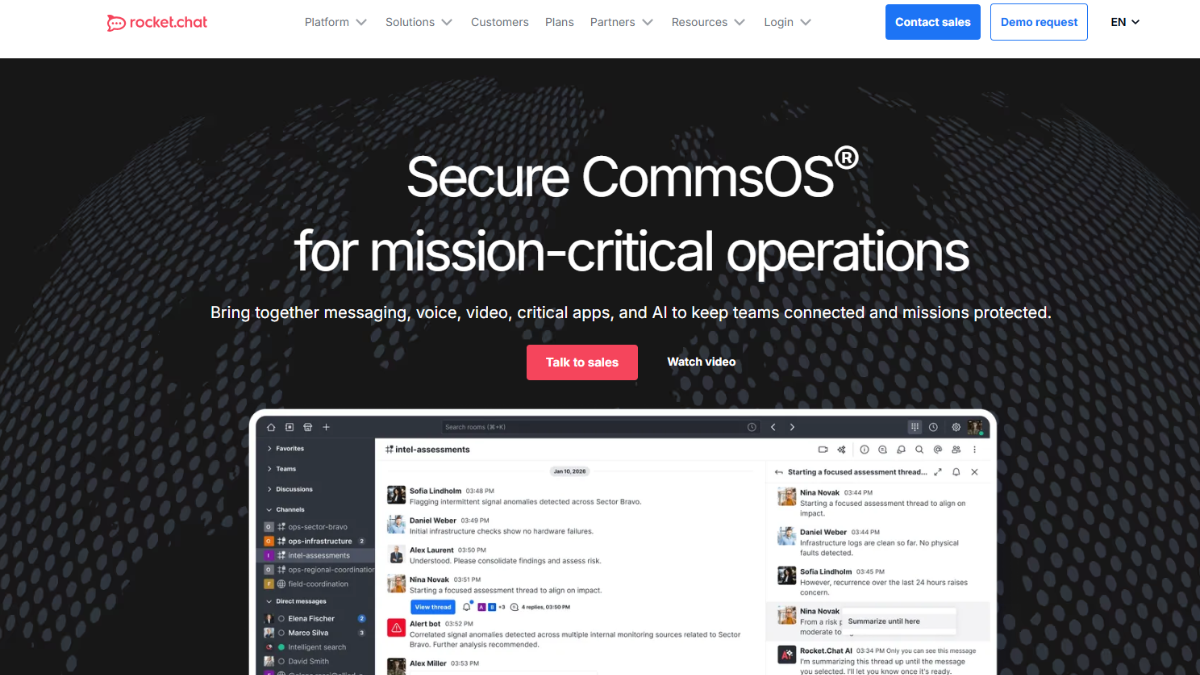
Rocket.Chat is the go-to pick when data control matters more than convenience. Because it’s open source, teams can self-host it entirely on their own servers, keeping every message off third-party infrastructure.
Key features:
- Full self-hosting with source-level customization
- End-to-end encryption options for sensitive conversations
- Channels, direct messages, and video calls via Jitsi
- Strong fit for compliance-heavy industries like government and defense
Pricing: A free, self-hosted Community edition is available. Cloud-hosted paid plans generally start around $4 to $8 per user/month, with enterprise-grade plans starting around $10+ per user/month.
Best for: Organizations with data residency, compliance, or security requirements that rule out standard cloud chat tools.
Watch out for: Self-hosting requires real technical setup and maintenance — this isn’t a five-minute signup like Slack or Chanty.
10. Twist – Best for Asynchronous, Distraction-Free Communication
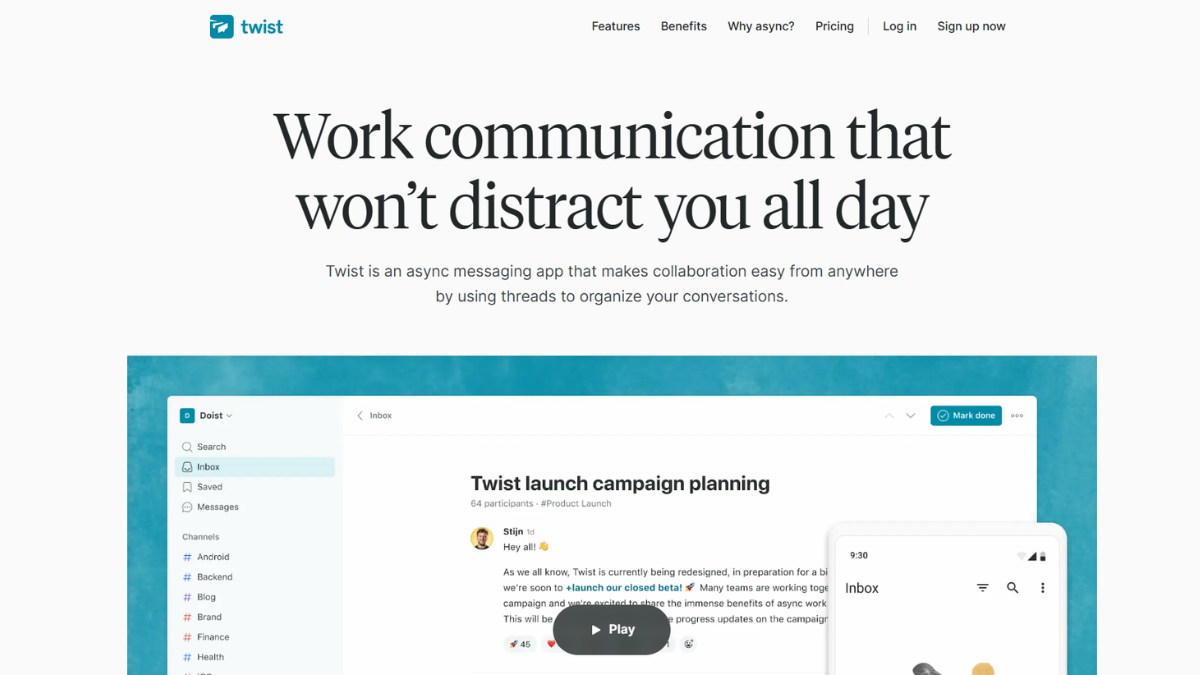
Twist takes a deliberately different approach from real-time chat apps. Conversations are organized into threads instead of a live-scrolling feed, which cuts down on the pressure to reply instantly.
Key features:
- Thread-based conversations instead of a constant chat stream
- No typing indicators or “online now” pressure
- Clear separation between urgent and non-urgent messages
- Built by the team behind Todoist, with a similar calm design philosophy
Pricing: A free plan is available with a limited message history. Paid plans start around $5 per user/month.
Best for: Remote and distributed teams that want fewer interruptions and more focused, documented decisions.
Watch out for: The async-first approach is a poor fit for teams that need instant, real-time back-and-forth throughout the day.
Benefits of Using Team Communication Software
Switching from scattered emails and personal messaging apps to dedicated team communication software pays off quickly. Here’s what actually improves once a team adopts the best team communication software tool:
- Fewer missed messages. Channels and threads keep conversations organized by topic instead of buried in an inbox.
- Faster decisions. Searchable history means no one has to ask “can you resend that file?” three weeks later.
- Better remote team communication. Distributed employees get the same visibility into projects as people sitting in the office.
- Lower tool overhead. A good business communication platform replaces separate apps for chat, calls, and file sharing.
- Stronger onboarding. New hires can search past conversations and channel history to get up to speed without pinging five different people.
- Clearer accountability. Task-linked messages and pinned decisions make it obvious who owns what.
For teams working across multiple projects, combining communication platforms with Agile Project Management Tools can also make it easier to coordinate tasks, deadlines, and changing priorities.
Common Mistakes to Avoid
Even strong platforms fail when teams set them up poorly. Watch for these common mistakes when choosing the best team communication software tool
- Choosing based on price alone. The cheapest team chat app isn’t a bargain if half the team abandons it within a month.
- Skipping the pilot phase. Rolling out a new business communication platform to the whole company at once makes it hard to fix problems before they spread.
- Ignoring mobile users. Frontline, field, and delivery staff need a workplace messaging app that works well on a phone, not just a desktop.
- Letting channels multiply without rules. Unstructured channel creation turns any tool into a searchable mess within a few months.
- Forgetting integrations. A team communication software pick that doesn’t connect to your project management or CRM tools creates duplicate work instead of saving time.
- Never revisiting the decision. Team size and needs change. What worked for 10 people may not work for 100.
For teams managing communication alongside deadlines and scheduled tasks, connecting the right platform with Project Scheduling Software can help keep responsibilities and timelines organized.
Conclusion
There’s no single best team communication software for every business — the right pick depends on your budget, your existing tools, and how your team actually works. Slack and Microsoft Teams cover most mainstream needs, Zoho Cliq and Chanty are strong picks for lean budgets, RingCentral makes sense when phone calls still matter, and Rocket.Chat fits teams with strict data control requirements.
For businesses managing communication alongside tasks, deadlines, and broader workflows, exploring Project Management Applications can help create a more complete system for keeping teams organized.
Whichever platform you choose, the tool itself is only half the job. Clear channel rules, a short pilot period, and regular check-ins on usage will do more for your team’s communication than any single feature on a pricing page.
FAQs
For most small businesses, Slack or Chanty offer the best mix of price and features. Chanty is the more budget-friendly team chat app, while Slack offers a stronger free plan and more integrations if the team plans to grow quickly.
Yes, for most fast-moving teams. Slack remains one of the most widely used team communication software platforms because of its integrations and searchable history, though its paid tiers have gotten more expensive over the past year.
Team communication software focuses on real-time and async messaging, calls, and file sharing. Project management software focuses on tasks, deadlines, and workflows. Many businesses use both together, and several platforms now blend light task features into chat.
Small teams often can, at least at first. Slack, Microsoft Teams, Chanty, Zoho Cliq, Rocket.Chat, and Twist all offer usable free plans. The tradeoffs usually show up in message history limits, user caps, or missing admin controls once the team grows.
Most paid plans fall between $2 and $20 per user per month, depending on the vendor and tier. Budget options like Zoho Cliq and Chanty start around $1 to $3 per user/month, while phone-inclusive platforms like RingCentral run $20 or more per user/month.
Neither is universally “better” — it depends on your existing software. Microsoft Teams is the stronger choice if your company already pays for Microsoft 365. Slack tends to win for teams that value integrations, a simpler interface, or don’t use Microsoft’s ecosystem.
Slack, Twist, and Google Chat all work well for remote and distributed teams. Twist is worth a closer look specifically for async-first teams that want to reduce the pressure to reply instantly across time zones.