
Artificial intelligence is transforming the way websites are designed, making it easier than ever to create stunning, functional, and user-friendly websites without extensive coding or design expertise. From generating layouts and color schemes to optimizing user experiences and creating engaging content, AI-powered website design tools help businesses, freelancers, and entrepreneurs save time while achieving professional results. Whether you’re launching a personal portfolio, an online store, or a corporate website, these innovative platforms streamline the design process with smart automation and customizable templates. As AI technology continues to evolve, choosing the right website design tool can give you a competitive edge in building visually appealing and high-performing websites. In this blog, we’ll explore the best AI website design tools, their standout features, and how they can simplify your web design journey.
Top AI Website Design Tools Compared
Below is a practical breakdown of the best AI website design tools on the market right now, organized by what they’re actually good for.
1. Shopify Magic
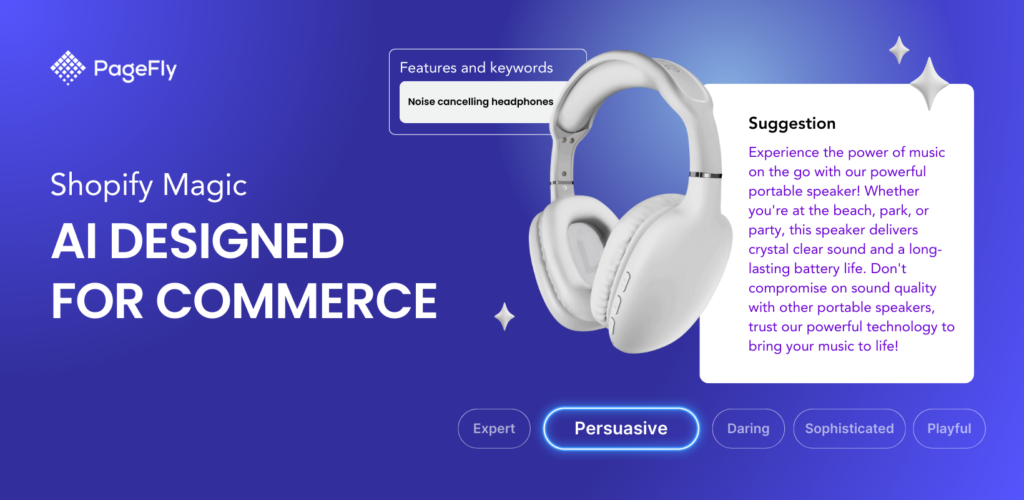
Shopify Magic is the best AI website design tool built directly into the Shopify admin, which makes it the most convenient starting point for merchants already selling on the platform. Unlike standalone Best AI website design tools that require you to export and re-import content, Shopify Magic works natively inside the same dashboard you already use to manage products, orders, and marketing. That means no new login, no extra subscription, and no workflow disruption. It’s available across most Shopify plans, so merchants get access to real AI assistance without budgeting for a separate tool.
What it does well:
- Generates product descriptions from a few keywords
- Creates email subject lines and marketing copy
- Edits product photography backgrounds automatically
- Suggests theme content based on your store’s niche
Best for: Shopify merchants who want AI assistance without installing a third-party app.
USP: Native integration. Shopify Magic is the only tool on this list that lives inside your existing Shopify admin, which removes the friction of switching platforms or syncing content between tools.
2. Framer AI
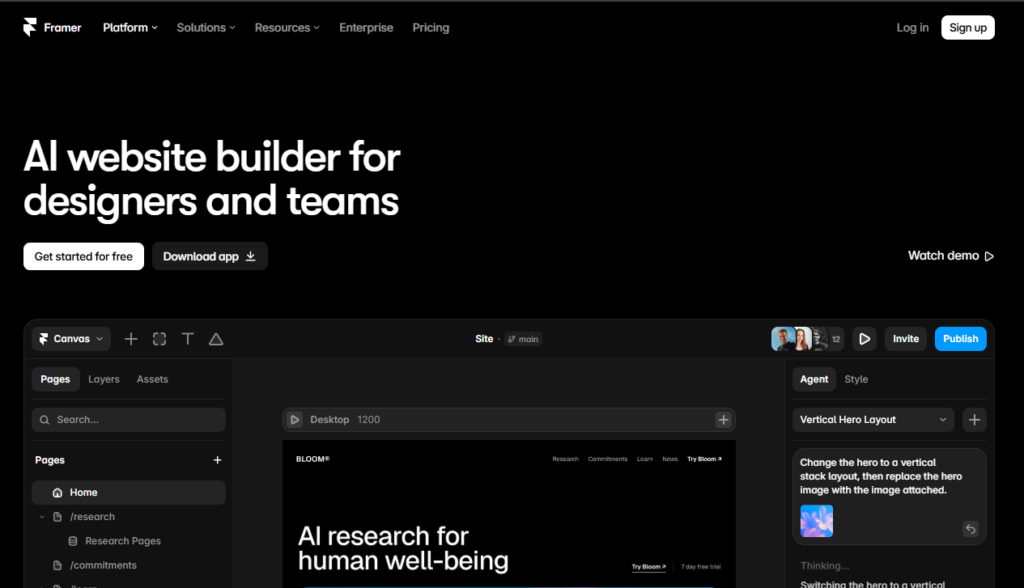
Framer AI is a strong option for merchants who want a custom-looking website without dealing with code. Unlike simpler AI builders, it gives you more control after the initial design is generated. You can move sections, change fonts, adjust spacing, and refine the layout as needed. This makes it a practical choice among the Best AI Website Design Tools for brands that want to start quickly but still have control over the final design. Most AI site builders produce a locked template you can only lightly adjust. Framer instead generates a real, editable layout using the same layer-based canvas that professional designers use, so you can move sections, swap fonts, and fine-tune spacing pixel by pixel. This makes it a favorite among brands that want AI speed at the start but professional-grade polish by the end.
What it does well:
- Generates full page layouts from a text prompt
- Produces responsive designs automatically
- Allows real-time visual editing after generation
Best for: Brand-focused stores that need a landing page or marketing site alongside their main storefront.
USP: Design-grade editing after AI generation. Framer bridges the gap between instant AI output and the fine control designers expect, which few competitors offer at the same depth.
3. Durable
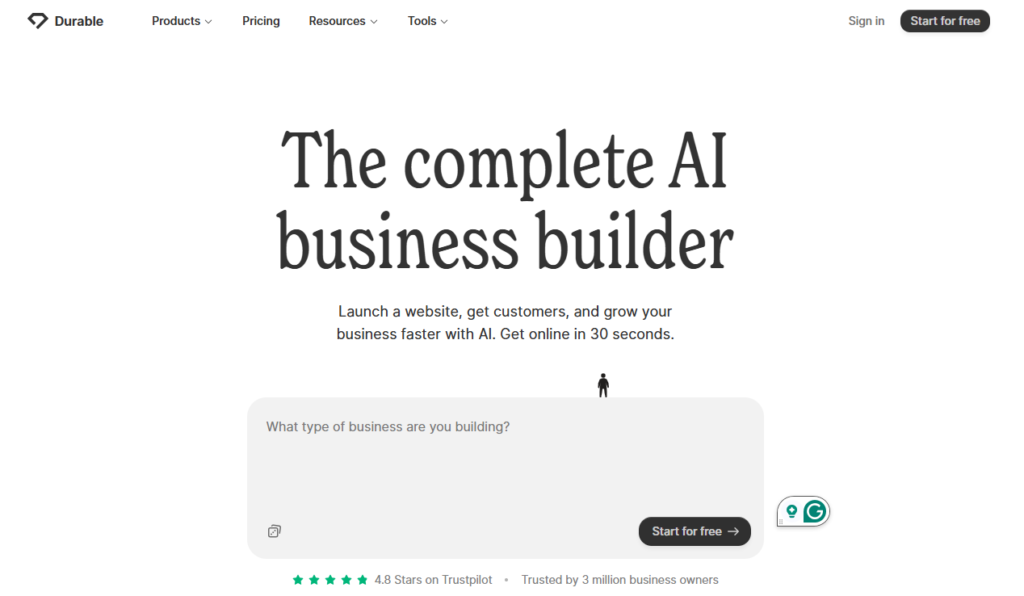
Durable focuses on speed. It can produce a complete website, including copy and stock imagery, in around 30 seconds, which is faster than almost every other tool in this category. But speed isn’t its only advantage. Durable also bundles business tools that most AI website builders leave out entirely, including a basic CRM, invoicing, and simple analytics. This makes it less of a pure design tool and more of a lightweight all-in-one business starter kit, which appeals to solo entrepreneurs and side-hustle merchants who need a site, a way to track leads, and a way to bill customers, all without stitching together three separate subscriptions.
What it does well:
- Fastest full-site generation on this list
- Built-in CRM and invoicing features
- Simple editing interface for non-designers
Best for: Merchants who need a functional site live today and plan to refine it later.
USP: Durable stands out for its fast website generation and built-in business tools. It combines quick site creation with features like CRM and invoicing, making it a practical choice among the Best AI Website Design Tools for businesses that want more than just a website builder.
4. Relume
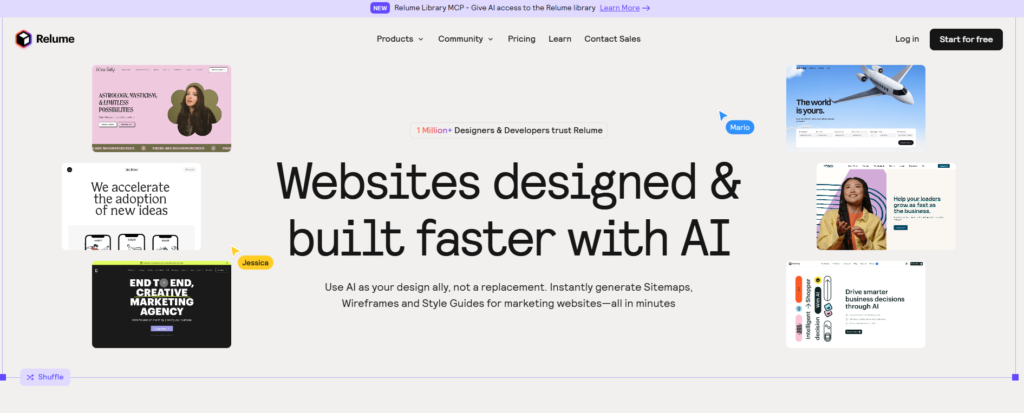
Relume is popular with designers who want AI to handle the first draft of a site map and wireframe, which they then customize. Its core strength is focusing entirely on the planning stage of a website project, rather than trying to generate a finished, polished design like most competitors. Relume asks for a short business description, then produces a logical site map and a set of wireframes built from a library of proven UI patterns. Because the output plugs directly into Figma or Webflow, designers can pick up exactly where the AI left off instead of rebuilding the structure from scratch. This structured, planning-first approach is what separates Relume from tools that jump straight to visual polish.
Note: While Relume focuses on site planning, many teams pair it with dedicated project management apps to track the broader website build once the wireframes are handed off to developers.
What it does well:
- Generates full site maps from a business description
- Creates low-fidelity wireframes ready for the Best AI Website Design Tools like Figma or Webflow
- Speeds up the discovery phase of a redesign project
Best for: Merchants working with a freelance designer who wants a faster starting point.
USP: Structure before style. Relume is built specifically for the planning and wireframing stage, making it the strongest option for merchants working alongside a professional designer rather than going fully DIY.
5. Uizard
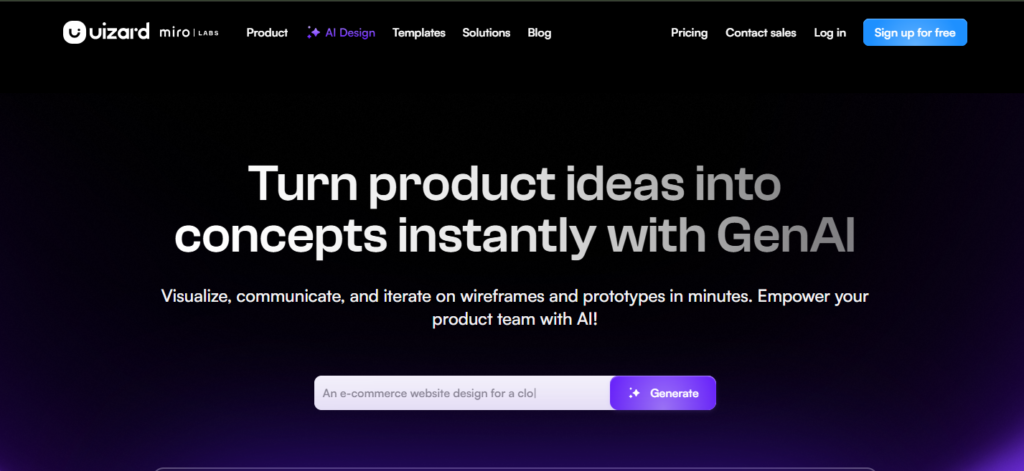
Uizard turns rough sketches or text prompts into clickable design mockups, which is useful for merchants who want to test an idea before building it for real. Its standout feature is the ability to scan a hand-drawn wireframe, sketched on paper or a whiteboard, and convert it into a digital, clickable prototype within minutes. No other tool on this list offers the same sketch-to-prototype workflow. It is a good fit for merchants who like to sketch out an idea before turning it into a website. Uizard also lets you create clickable demos, so you can test the navigation and get feedback before starting development, making it a useful option among the Best AI Website Design Tools.
What it does well:
- Converts hand-drawn wireframes into digital mockups
- Generates UI screens from text prompts
- Supports quick prototyping for app-like storefront features
Best for: Merchants exploring a new feature, like a loyalty page or custom checkout flow, before committing development time.
USP: Sketch-to-prototype conversion. Uizard is the only tool here that can turn a literal hand-drawn sketch into a working digital mockup, making it ideal for early-stage idea validation.
6. Sitekick AI
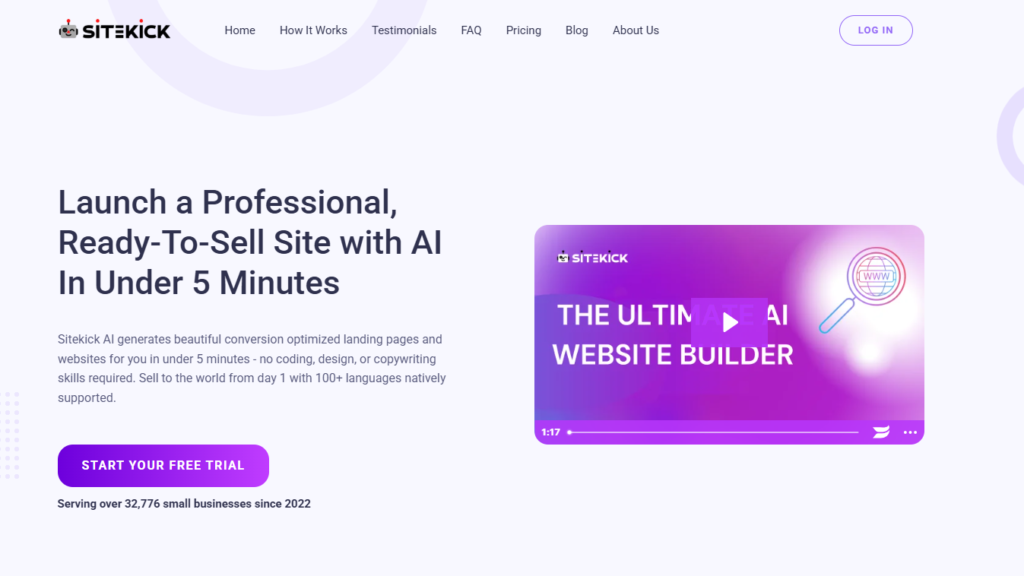
Sitekick specializes in landing pages designed for advertising campaigns, and that focused approach is what makes it useful. Rather than functioning as a general-purpose site builder, it creates layouts with a clear goal of converting paid traffic. Its library of proven sections helps businesses build campaign-focused pages quickly, making it a practical option among the best AI website design tools. Sitekick prioritizes a clear offer, a fast-loading page, and a single call to action, instead of the multi-page navigation structure most website builders default to. For merchants running Facebook, Google, or TikTok ad campaigns, this specialization can meaningfully improve conversion rates compared to sending traffic to a generic homepage.
What it does well:
- Generates conversion-focused landing pages fast
- Optimizes layout for ad traffic rather than organic browsing
- Offers pre-built sections proven to convert
Best for: Merchants running paid ad campaigns who need a dedicated landing page separate from the main store.
USP: Built exclusively for paid traffic. Sitekick doesn’t try to be a full website builder its layouts are purpose-built around ad conversion, which general AI site builders aren’t optimized for.
7. Canva Magic Design
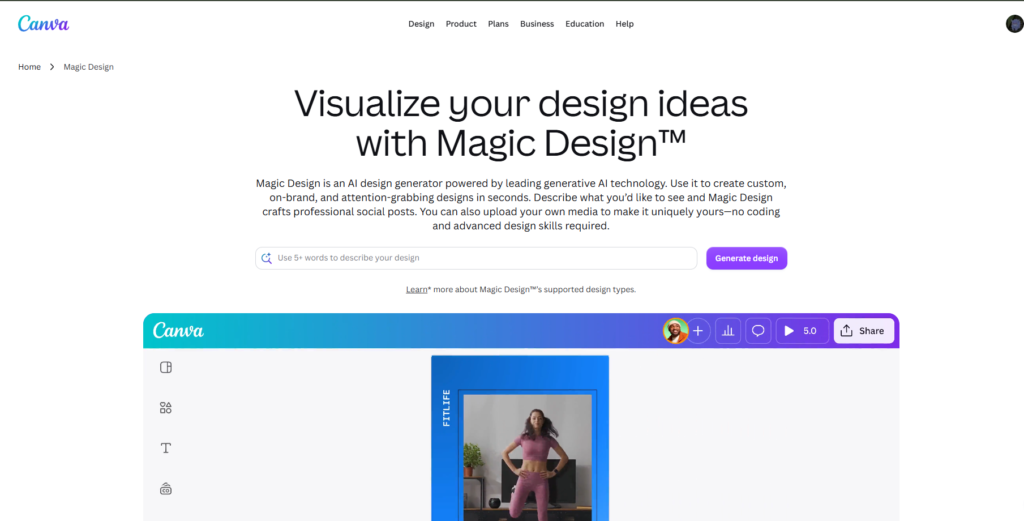
Canva’s AI features extend beyond social graphics into full website creation, which makes it approachable for merchants already using Canva for marketing assets. The real advantage here isn’t the website builder in isolation; it’s the ecosystem behind it. If you’re already designing Instagram posts, email banners, or print flyers in Canva, Magic Design can pull directly from your existing brand kit, including logos, color palettes, and fonts, and apply that same identity to a website automatically. That level of built-in brand consistency is difficult to replicate when using a separate tool for social graphics and a separate tool for web design. For merchants who already live inside Canva daily, this removes an entire layer of manual brand-matching work a gap that many apps similar to Canva don’t address, since most focus on graphic creation alone without extending that consistency into the website itself.
What it does well:
- Builds simple one-page websites from a prompt
- Keeps design consistent with existing brand assets in Canva
- Offers an easy drag-and-drop editor for beginners
Best for: Small merchants who want brand consistency across social media, print, and web without learning a new tool.
USP: One brand kit, every channel. Canva Magic Design automatically applies your existing brand assets to a new website, which keeps your web presence visually consistent with your social and print marketing without extra manual work.
8. 10Web AI Website Builder
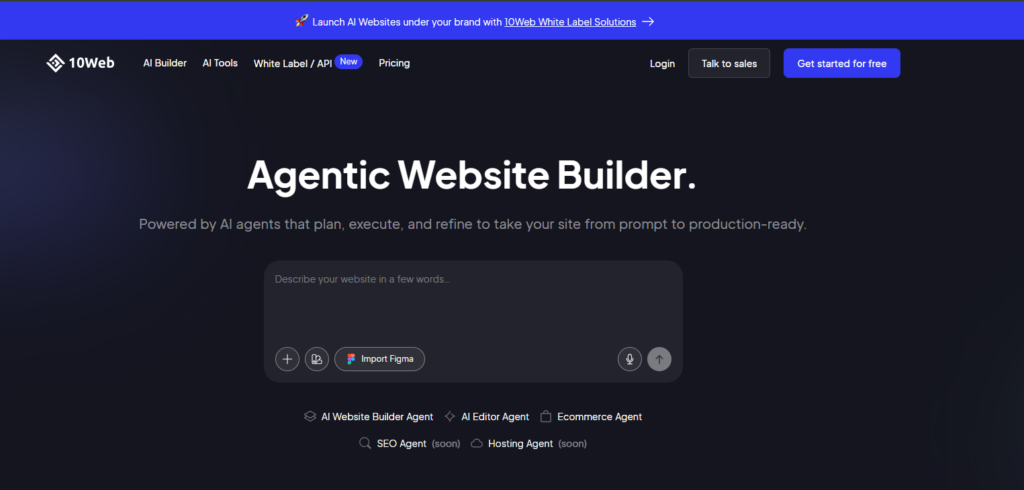
10Web is built specifically for WordPress but is worth considering for merchants who run a blog or content site alongside their Shopify store. Its ability to clone an existing website and rebuild it as an editable WordPress template, combined with automatic image compression, caching, and hosting optimization, makes it stand out from other best AI website design tools that focus mainly on visual design. From there, 10Web layers in automatic performance optimization, handling image compression, caching, and hosting configuration behind the scenes so the finished site loads quickly without manual technical work. Because hosting is bundled in, merchants comparing options against the cheapest web hosting with cPanel plans often find the built-in setup saves them the extra step of sourcing and configuring hosting separately. This combination of AI cloning and built-in speed optimization is fairly unique among AI website builders, most of which focus purely on visual design and leave performance tuning entirely up to the merchant.
What it does well:
- Generates a full WordPress site from a URL or prompt
- Automatically optimizes for page speed
- Includes AI-powered image generation
Best for: Merchants running a content hub or blog that funnels traffic to their Shopify store.
USP: AI cloning plus automatic speed optimization. 10Web can rebuild an existing site as an editable template and handles performance tuning automatically, a combination most competitors don’t offer.
Key Benefits of Using the Best AI Website Design Tools
Merchants who adopt AI design tools typically see improvements in three areas: speed, cost, and consistency. Beyond the basics, these tools are changing how small teams approach store design altogether, turning what used to be a specialized skill into something any merchant can do competently on day one.
- Faster turnaround: Layouts that once took days can be drafted in minutes, freeing up time for product sourcing and marketing. Instead of waiting on design revisions or scheduling calls with a contractor, merchants can generate a working homepage, tweak it, and move on to launching products the same afternoon.
- Lower design costs: These AI website design tools reduce or eliminate the need for a full-time designer during early-stage store setup. For merchants bootstrapping a new store, this can mean redirecting a design budget toward inventory, ads, or customer acquisition- areas that matter more before a store has proven demand.
- More design experiments: Because generating a new layout is nearly instant, merchants can A/B test multiple homepage versions without extra cost. This lowers the barrier to actually testing hypotheses like whether a video hero section converts better than a static image, or whether a grid or carousel layout keeps visitors browsing longer rather than guessing and sticking with the first design.
- Improved accessibility: Many best AI website design tools automatically flag contrast issues, missing alt text, and mobile responsiveness problems. This matters for more than compliance accessible sites tend to load cleaner, rank better in search, and work better across the wide range of devices and browsers real customers actually use.
- Consistent branding: AI tools that pull from your existing brand kit help maintain visual consistency across pages. This becomes especially valuable as a catalog grows: new product pages, landing pages, and seasonal campaigns can all inherit the same fonts, colors, and spacing without manual double-checking.
- Lower technical barrier to entry: Merchants without coding or design backgrounds can produce a professional-looking store without hiring help or learning a page builder from scratch. This opens store ownership to a much wider range of people, not just those with a design or dev background.
- Faster iteration based on real data: Some AI tools can suggest layout changes based on how visitors are actually interacting with a page where they drop off, what they scroll past, turning design into an ongoing, data-informed process rather than a one-time decision.
Important: AI-generated designs are a starting point, not a finished product. Every layout should still be reviewed for brand fit and tested on real devices before it goes live. These tools are good at producing a solid baseline quickly, but they can miss nuances like a product photo that doesn’t match your brand’s tone, or a layout that looks great on desktop but crowds critical information on mobile. A quick manual review before launch catches the issues automated tools aren’t built to see.
Common Mistakes to Avoid
Even experienced merchants run into these issues when adopting the best AI website design tools for the first time.
- Publishing without proofreading. AI-generated product descriptions can include inaccurate details, so always fact-check before publishing.
- Ignoring page speed. Some AI-generated designs include heavy images or animations that slow down load times, which can hurt conversions.
- Overusing generic templates. Relying entirely on default AI output without customization can make your store look like every other AI-generated site.
- Skipping mobile testing. A layout that looks great on desktop can break on smaller screens if it isn’t tested separately.
- Forgetting brand consistency. Switching between multiple AI tools without a shared brand kit often leads to mismatched fonts, colors, and tone across pages.
Note: If you want to enhance your store visuals without spending extra, you can also consider using a best free AI photo editor to refine product images and create more engaging visuals.
Conclusion
The best AI website design tools give merchants a real advantage: faster launches, lower design costs, and the flexibility to test more ideas without a full design team. Tools like Shopify Magic, Framer AI, Durable, and Relume each solve a different piece of the design puzzle, from full-site generation to landing pages built for ad traffic.
The key is treating AI as a starting point rather than a finished product. Review every AI-generated design for brand fit, test it on real devices, and keep a human check in place before anything goes live. Used this way, AI website design tools can meaningfully speed up how quickly you get a professional, conversion-ready store in front of customers.
Frequently Asked Questions
1. What are the best AI website design tools for beginners?
Durable and Canva Magic Design are the most beginner-friendly, since both generate a working site from a simple prompt and use straightforward drag-and-drop editors.
2. Can AI website design tools replace a professional designer?
For small stores and early-stage launches, AI tools can handle most of the design work. For complex, highly custom brand experiences, most merchants still benefit from a final review by a professional designer.
3. Are AI website design tools free to use?
Many offer free tiers with limited features, including Canva and Durable. Full functionality, like custom domains or advanced editing, usually requires a paid plan.
4. Does Shopify have a built-in AI design tool?
Yes. Shopify Magic is built directly into the Shopify admin and helps with product descriptions, marketing copy, and image editing at no extra cost on most plans.
5. Will AI-generated website designs hurt my SEO?
Not inherently, but merchants should review AI-generated copy for keyword relevance and avoid publishing duplicate or generic content across multiple pages.
6. How long does it take to build a site with AI design tools?
Most tools generate an initial draft within minutes. The overall timeline depends on how much manual refinement your brand requires afterward.
7. Can I use multiple AI design tools together?
Yes, and many merchants do. A common approach is using one tool for layout generation and another for copywriting or image editing.
8. What should I check before publishing an AI-generated page?
Always verify product details, test the page on mobile, check page load speed, and confirm the design matches your existing brand guidelines.